

Accessibility Training
Accessibility is everyone’s responsibility. Not just the specialists.
This one-day course gives your whole team an introduction to disability and accessibility, then covers best practice in practical detail.
What this training helps teach your team
Accessibility, the law, and the current accessibility standards (WCAG 2.2 overview)
How to make your content, communications, marketing, and social media posts accessible
The basics of document and presentation accessibility
The social model of disability and understanding disability through lived experience
Your trainer
Led by a specialist who lives this work
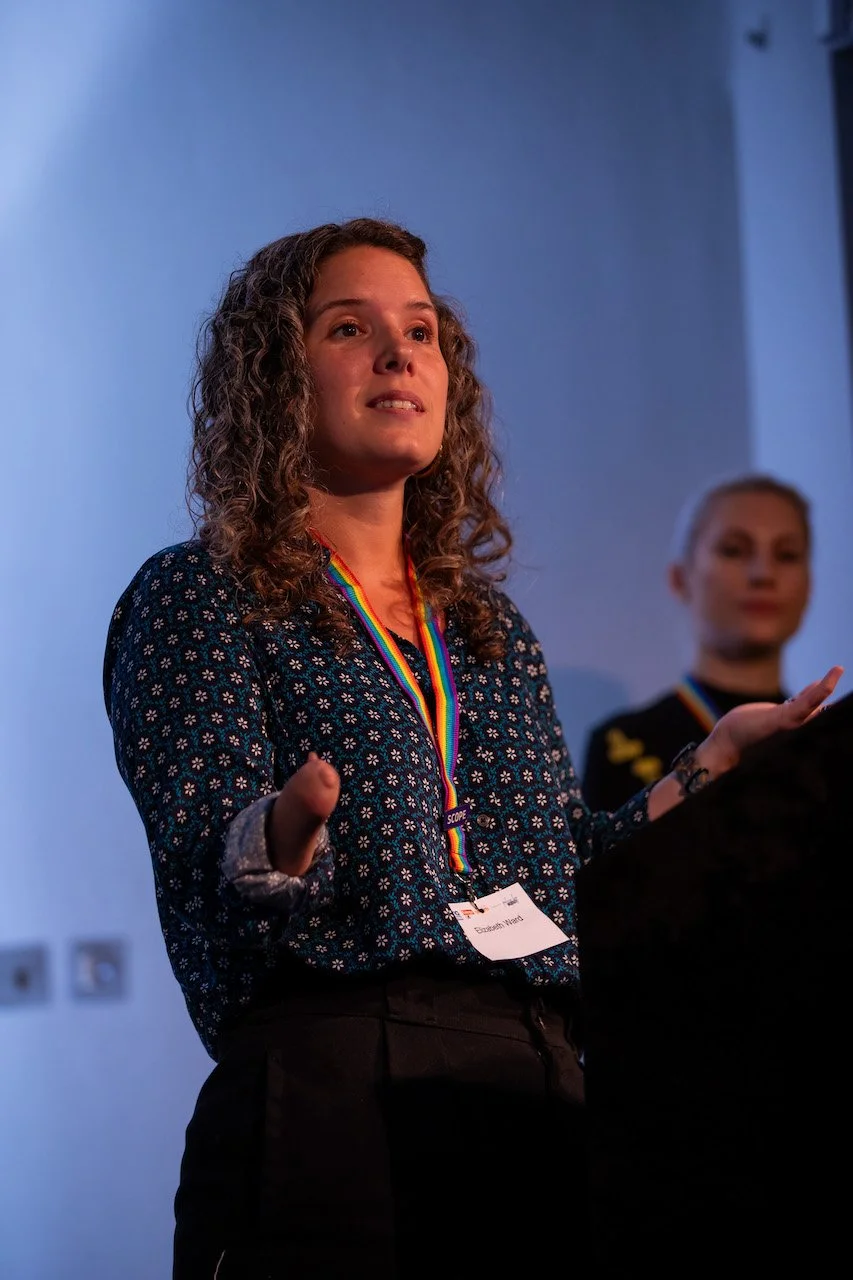
Elisabeth Ward is an accessibility and disability inclusion specialist, and a partner at Vulnerability Managers. She has more than 12 years of experience, with a background in content design.
She was Lead Accessibility Specialist at Scope until 2025. Earlier, at the Parliamentary Digital Service, she helped teams across Parliament make their web content accessible.
Elisabeth is a disabled specialist who teaches from lived experience. The day opens with her own story, so the principles land beyond theory.
Inclusive and accessible as standard
The day is a mix of trainer presentation, interactive activities and exercises. Up to 20 people can join, so everyone is supported through the day.
Section 1: Disability, accessibility and accessible writing
The trainer opens by sharing their own story as a personal introduction to disability. They then explain the social model of disability, why accessibility matters, and the benefits it brings. The section also covers the four core principles of accessibility, why it matters to involve disabled people in research and testing, and how to write in plain English.
Section 2: Accessible content and layout
This section covers metaphors and other figurative language, active and passive voice, and how to make sentences and paragraphs easy to read. It also looks at headings, bullet points, accessible fonts and styling, and link text.
Section 3: Practical exercise and PDFs
Participants put what they have learned into practice with a 40-minute editing exercise. The section also covers PDFs and alternative document formats.
Section 4: Design content and media
This section covers the different types of images and how to write alt text for them, as well as colour contrast. It also shows how to make graphs, charts, videos and presentations accessible.
You can expect:
In-person or online delivery. If someone has specific access needs, tell us in advance and the day will include adjustments for that colleague.
1 hour lunch with 15-minute breaks in the morning and the afternoon.
Slides presented in PowerPoint, with all slide content read out (except decorative items). Everyone gets sent the slides with full speaker notes after the training.
Slides are sent 3 days before the session (with a few activity answer slides removed).
A workbook and an editing exercise in Microsoft Word
Individual activities, pair and group exercises with questions encouraged
Training modules
Pricing
One-day course (up to 20 people)
£3,000 including preparation, delivery, resources, and follow up
Preparation includes any changes to the session, references for your organisation or industry. It also covers admin time such as scheduling, emails and invoicing.
This session can be delivered in person or online.
After delivery, teams will get post-training guides and resources.
Elisabeth also includes a 30-minute individual session with each trainee to talk through any of the course content.
Course content and rates are owned by Elisabeth Ward and confirmed at the point of quote.
Discounts are available for charities or small organisations.